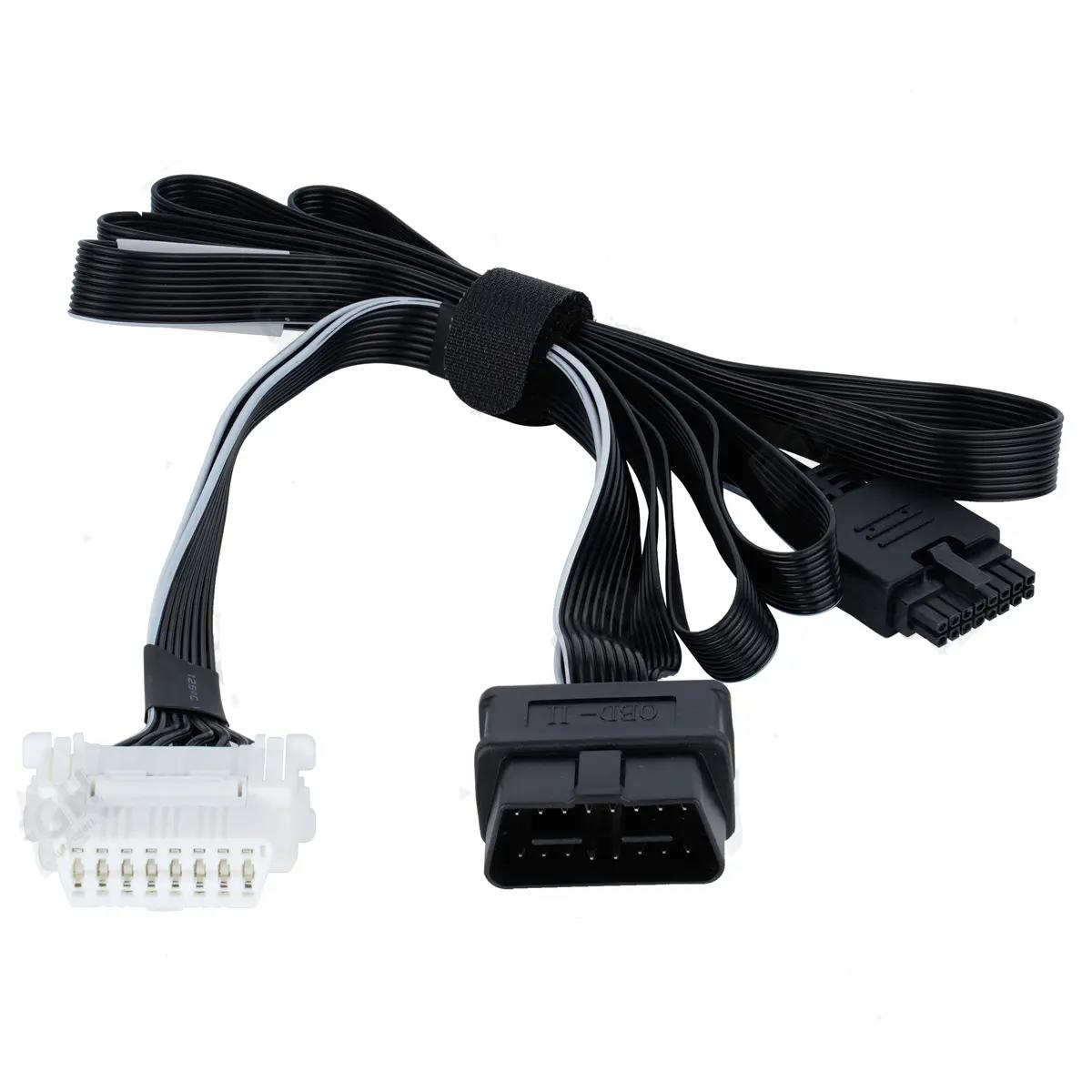


In modern embedded systems and electronics projects, LCD interfacing plays a vital role in displaying data clearly and reliably. Whether you are working with microcontrollers, Arduino boards, or custom hardware, improper LCD connections or configurations can cause significant issues, such as garbled characters, flickering, or even complete display failure. Understanding common problems and their solutions is essential for engineers and hobbyists to ensure smooth operation.

1. Power Supply and Grounding Challenges
Stable power and proper grounding are the foundation of successful LCD interfacing.
- Voltage instability: LCD modules require a consistent voltage, usually 5V or 3.3V. Voltage fluctuations may lead to flickering, incomplete characters, or sudden display reset. Adding capacitors close to the LCD can help filter out voltage spikes.
- Poor ground connections: Inadequate grounding between the microcontroller and LCD can create noise and communication errors. Always use a solid common ground and avoid routing wires over long distances or near high-current components.
- Current limitations: Some LCDs, especially with backlight LEDs or larger screens, draw more current than microcontroller pins can supply. Using driver ICs, MOSFETs, or external power sources ensures stable operation without overloading the controller.
2. Incorrect Wiring and Connection Errors
A significant portion of LCD interfacing problems stems from wiring mistakes.
- Data line misalignment: In 8-bit or 4-bit modes, connecting data lines incorrectly (D0–D7) can result in wrong characters or no display. Refer to the datasheet and carefully verify the pin assignments.
- Control line errors: Miswiring the RS, RW, or Enable pins can prevent the LCD from accepting commands. Color-coded wires and proper labeling reduce the risk of mistakes.
- Mode mismatches: LCDs can operate in 4-bit or 8-bit communication modes. Using a wiring setup incompatible with the software configuration will cause garbled or blank screens. Ensure that both hardware and code match the selected mode.
3. Initialization and Software Configuration Issues
Even perfectly wired LCDs can fail if the software setup is incorrect.
- Improper initialization sequence: Most LCDs require sending a series of setup commands in the correct order. Sending commands out of sequence may leave the display blank or show scrambled characters.
- Insufficient delays: LCDs need time to process instructions. If the code sends commands too quickly, the display may not respond properly. Adding short delays between initialization steps and writing data ensures correct operation.
- Contrast and brightness settings: Incorrect contrast settings, either via a potentiometer or software PWM, can make characters invisible or faint. Adjust the contrast gradually while observing the display for optimal visibility.
4. Signal Interference and Environmental Noise
External factors can significantly impact LCD interfacing, especially in industrial or crowded electronic environments.
- Long data wires: Excessive wire length increases susceptibility to noise and signal reflection. Keep connections short, twisted, or shielded to maintain signal integrity.
- Electromagnetic interference (EMI): Nearby motors, power converters, or RF devices can introduce interference, causing flickering or incorrect data. Use decoupling capacitors, ferrite beads, or relocate the LCD away from noise sources.
- Serial interface issues: For SPI or I2C LCDs, interference on clock or data lines may corrupt communication. Pull-up resistors and reducing bus speed can enhance reliability.
5. Hardware Damage and Component Aging
Physical wear and tear also contributes to LCD interfacing problems.
- LCD panel damage: Long-term use, static discharge, or mechanical stress can damage pixels, resulting in black spots or missing characters. Replacement may be required.
- Interface IC aging: Solder joint corrosion, broken traces, or aging driver ICs can cause intermittent failures. Resoldering or replacing the interface IC can restore stability.
- Backlight degradation: LED backlights may dim or flicker over time, especially if the current is insufficient or power fluctuates. Check the power supply and consider replacing the backlight LEDs if necessary.
Conclusion
Troubleshooting LCD interfacing requires careful consideration of power stability, wiring accuracy, software configuration, environmental noise, and hardware condition. By addressing these common issues systematically, engineers can ensure reliable operation of their LCD modules in any application. Proper wiring, correct initialization, stable voltage, noise reduction, and regular hardware inspection are essential practices that improve display performance and prevent common failures.
0